




VTU (B.E./B.Tech 2025)
Percentage = CGPA x 10
For VTU B.E./B.Tech 2025 Regulations. Confirm the scheme printed on your record.
Official source · verified 2026-07-11Smart CGPA, SGPA, and percentage tools for students in India, Pakistan & Bangladesh.

Common 9.5 estimate: A common estimate, not a universal university rule.
Reverse a school formula as a clearly labeled CGPA estimate.

Convert CGPA with the formula shown beside the result.

Each preset names the regulation it follows and links to the university source. Select the scheme printed on your grade sheet rather than a generic school name.
Percentage = CGPA x 10
For VTU B.E./B.Tech 2025 Regulations. Confirm the scheme printed on your record.
Official source · verified 2026-07-11Percentage = CGPA x 10
For Anna University affiliated B.E./B.Tech R2025 consolidated CGPA after programme completion.
Official source · verified 2026-07-11Percentage = (CGPA - 0.5) x 10
For JNTUH B.Tech R25 final CGPA conversion, effective from academic year 2025-26.
Official source · verified 2026-07-11The percentage changes when the formula changes. Keep the method visible so your result can be checked later.
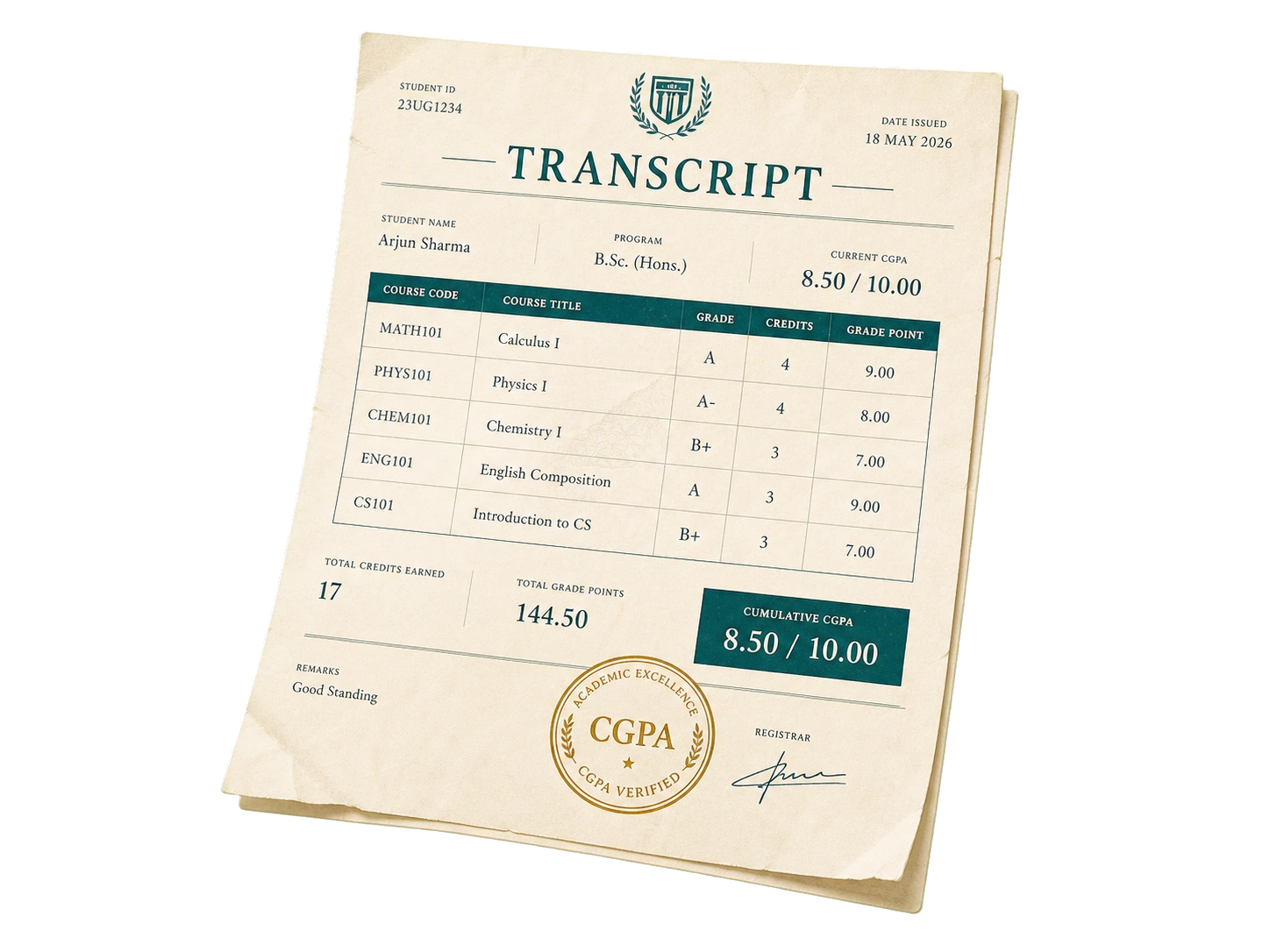
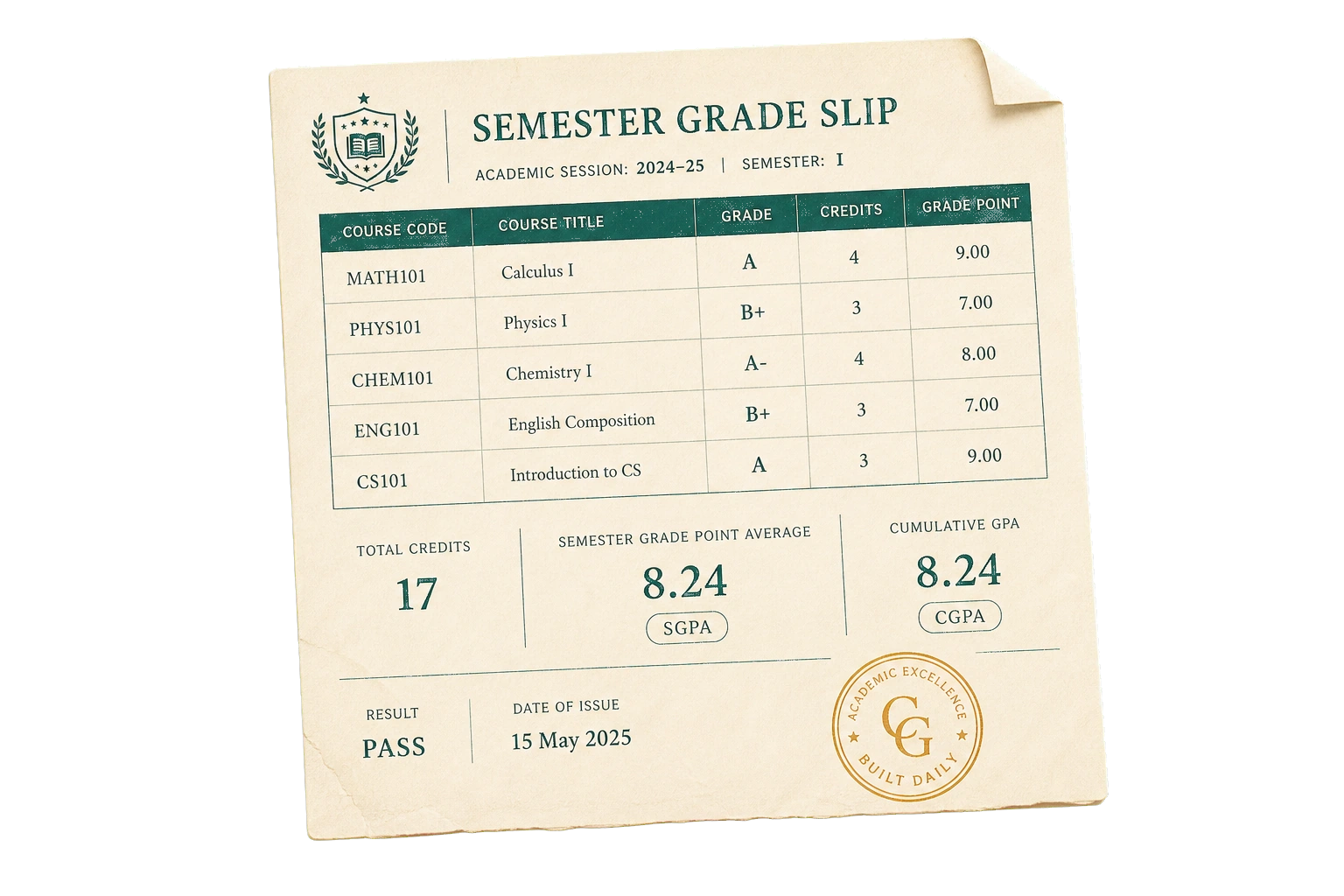
Use the cumulative value from your latest transcript or grade report.

Choose the generic 9.5 formula or a university-specific rule.

Confirm the method before you use the number for official forms.

Keep the percentage and conversion method together.

Short articles for formula choice, the 9.5 rule, reverse conversion, and planning how a CGPA can move.
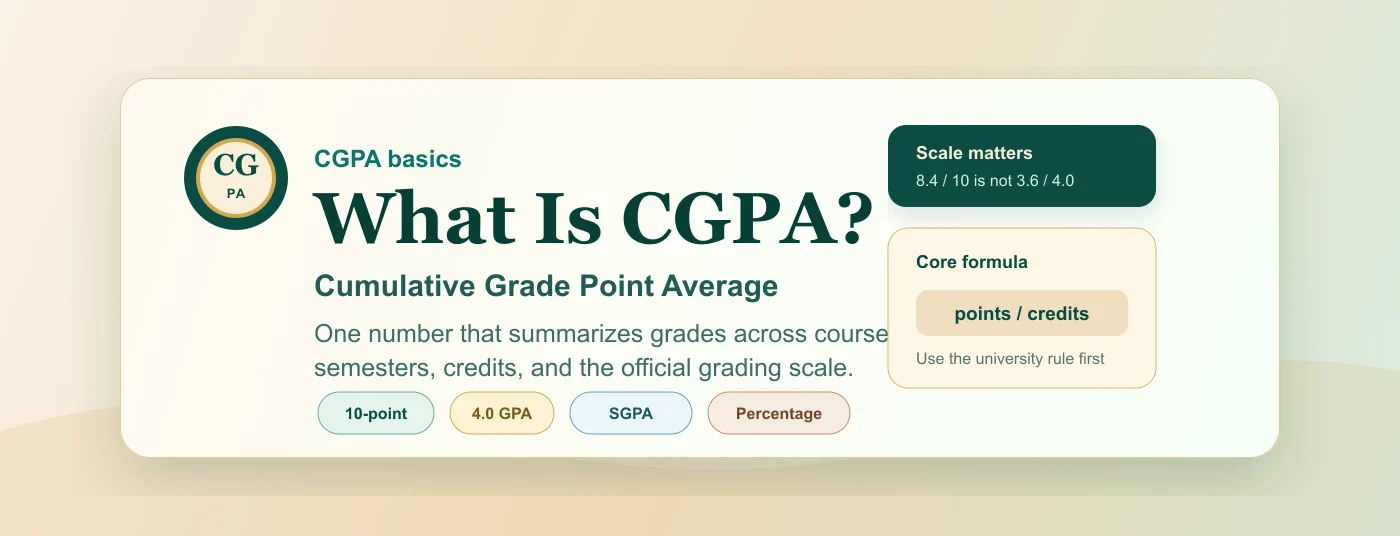
Learn what CGPA means, what CGPA is out of, how it differs from GPA, SGPA, percentage, and why the official grading scale matters.
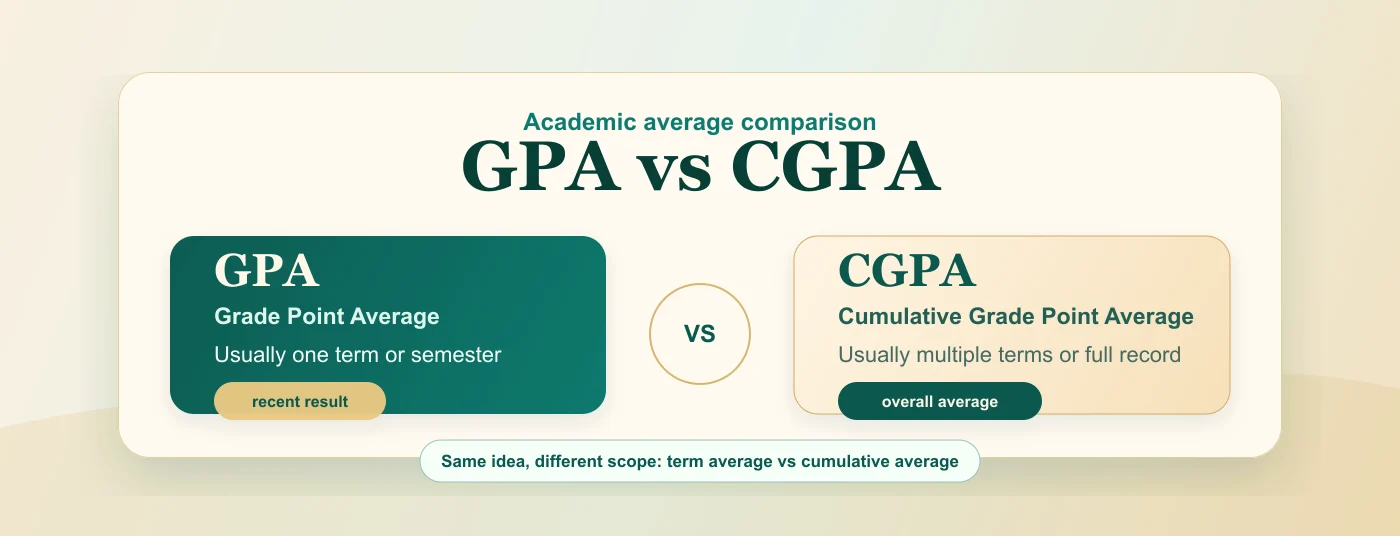
Understand the difference between GPA and CGPA, how each average is calculated, when to use each one, and how to write them clearly on forms.
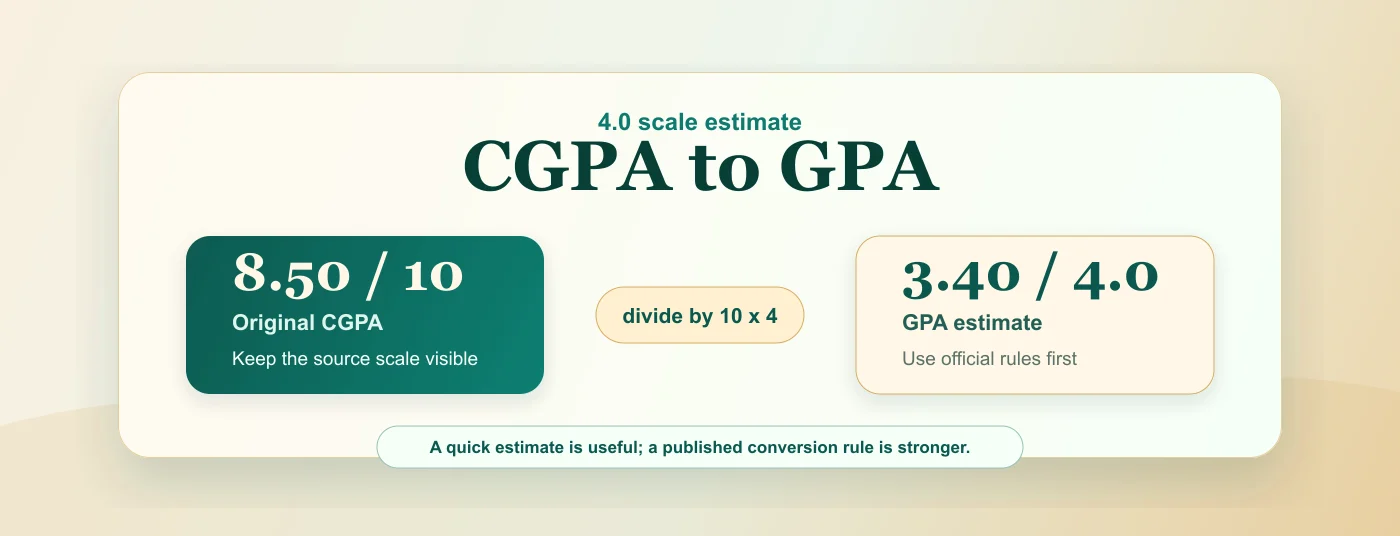
Learn how to compare CGPA with GPA, when a 4.0 scale estimate is useful, and why official conversion or evaluation rules should come first.
Most students start with Percentage = CGPA x 9.5. For example, 8.5 CGPA becomes 80.75%. It is useful for quick estimates, resumes, and comparing scores.
The multiplier is not universal. Some universities publish a different rule, use a subtraction step, or list grade bands on transcripts.
When the converted percentage is for an admission form, job profile, scholarship, or document upload, write the method next to the result.